Sites
What is a site?
A site defines where you are working, the geographical location(s) of a program.
Why capture sites?
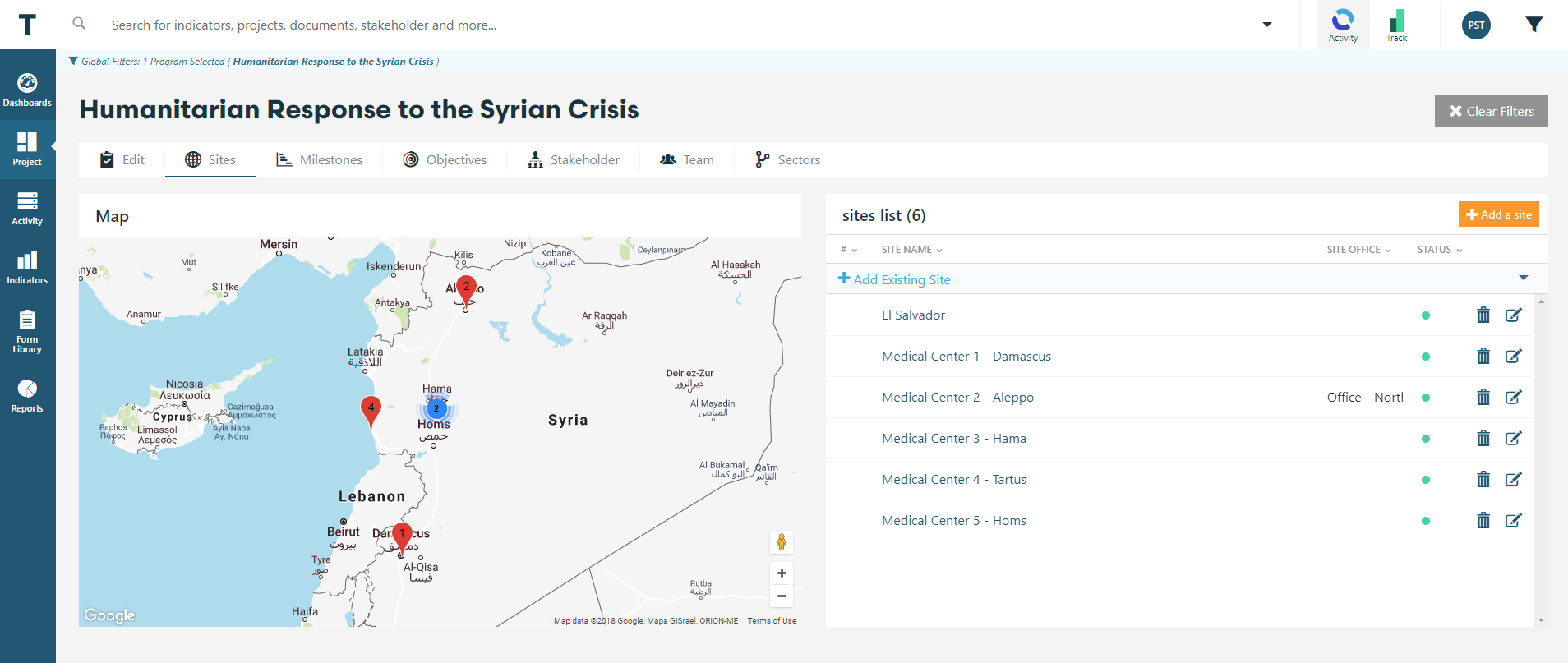
Sites provide the ability to generate a visualization of our program/project locations on a map.
It allows teams and managers to monitor performance within a specific location.
Supports the ability to manage in areas with remote access.
Over time, it allows teams to track the history of interventions showing how the programming has evolved.
Adding sites
TolaData helps you to capture the following information on site locations:
Program Location Name, Description, and Contact Information;
Location Latitude and Longitude.
To add sites:
- Go to the
Programstab and click on theSitessection. - Click,
Add a Site. - Fill out the relevant fields for your site. Required field are Site Name and Country.
- Alternatively, you can
Add Existing Siteand select one of locations previously added for other programs or projects.
Quick Tip:
- If you don't have exact latitude and longitude coordinates for your site, you can find it by using the pin on the map to drop it in the location of your site. Be sure to select Country first to zoom the map first.
- If you only have the address of your site, you might want to generate Latitude and Longitude data using Google Maps or other map provider and copy-paste them into the system.
Was this helpful?